Ready to Trip?
Create your private profile and get your travel insights.
Create Your Profile Privacy-first. Fast sign-up.
Your profile stays private until you switch it to public, and your tax residency days stay private even then.
Your username makes your profile’s address, such as lugara.me/@yourname. Set it in Settings, then Account, with 3 to 30 letters, numbers, hyphens, or underscores. Your display name, photo, bio, website, and Instagram are in the same place.
In Settings, then Account, turn on Public Profile under Privacy. Turning it off makes your profile private again right away. There’s no mode that shows it to only some people.
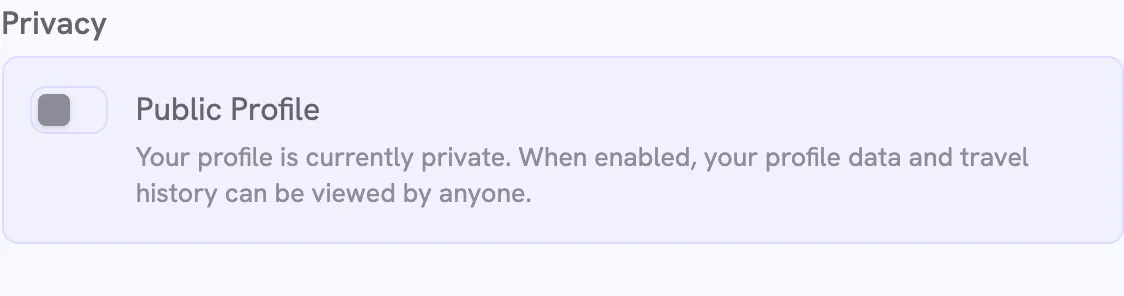
While your profile is private, anyone else who opens its address lands on Lugara’s front page.
Visitors see your profile as you do, in your theme color and units, and in your globe style if you have Lugara Pro. They don’t see Potential Tax Residency or the buttons to change trips. Your trips are also available as JSON. Search engines leave profiles out, so people find yours through the links you share.
To share your country collection as a picture, use Share on your collection. On a public profile, the picture shows your address.
Create your private profile and get your travel insights.