Ready to Trip?
Create your private profile and get your travel insights.
Create Your Profile Privacy-first. Fast sign-up.
You change and delete your trips on your own profile, in the trip list.
A trip without a transport mode also shows Add Transport Mode, which opens the same fields, starting at the transport mode.
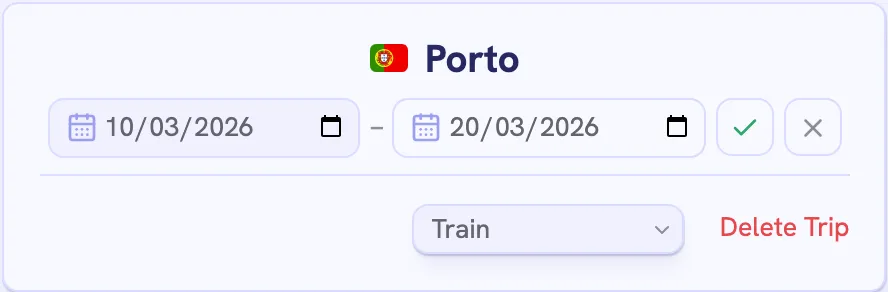
A trip’s city can’t change, so delete the trip and add it again instead.
Select the pencil, then Delete Trip, and confirm. There’s no undo.
Under Danger Zone at the end of Settings, then Account, Clear Trips Data deletes every trip and keeps your account. Delete Account removes both. Export a backup first if you might want your trips back.
Create your private profile and get your travel insights.