Ready to Trip?
Create your private profile and get your travel insights.
Create Your Profile Privacy-first. Fast sign-up.
Connect your NomadList profile, and the trips you add there come into Lugara every six hours.
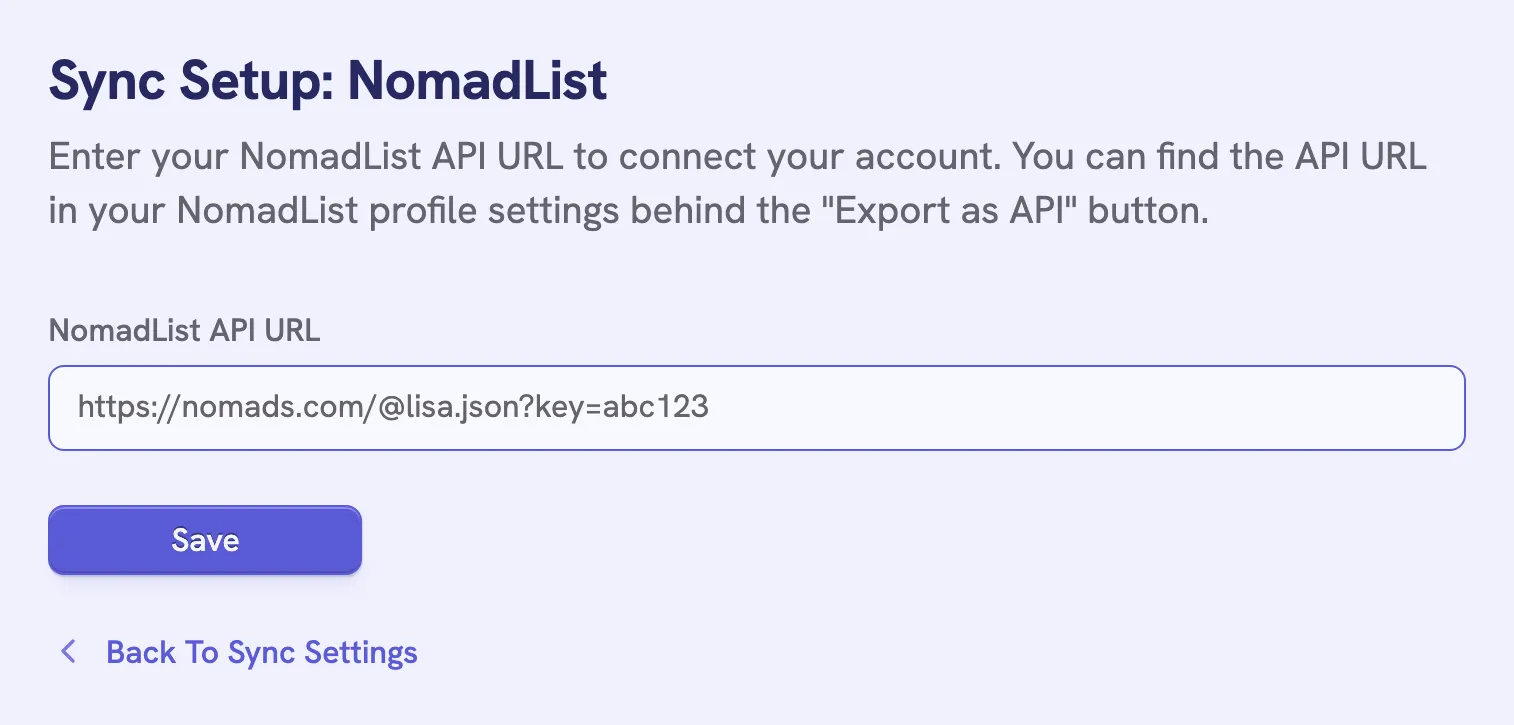
“URL must be an HTTPS JSON export from nomads.com” means the address isn’t the one from Export as API.
The sync only reads from NomadList. It adds new trips and updates the ones you already have, and a trip you remove on NomadList stays in Lugara. Turn off Sync from NomadList to stop it.
NomadList sync needs Lugara Pro. To bring in your trips once instead, import the export file.
Create your private profile and get your travel insights.