Ready to Trip?
Create your private profile and get your travel insights.
Create Your Profile Privacy-first. Fast sign-up.
The globe on your profile now comes in multiple styles to choose from.
 Lisa Monteiro ·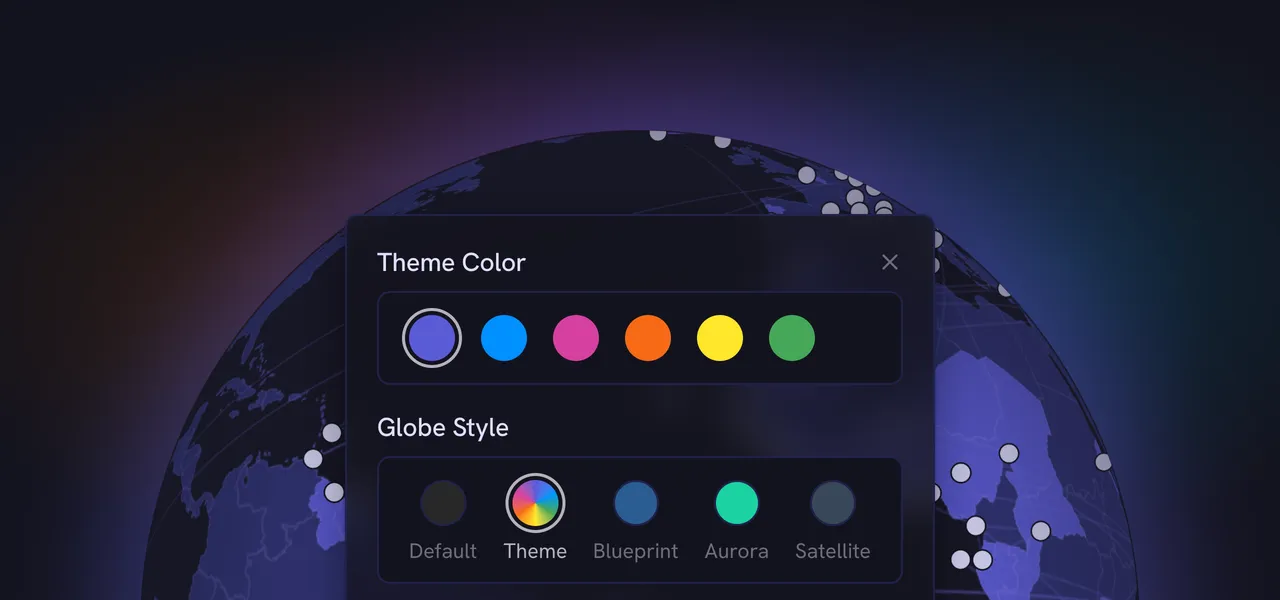
Your profile opens with a globe of everywhere you’ve been as the main focal point of your profile, and until now that globe looked the same on every profile. Now you can give yours a style of its own.
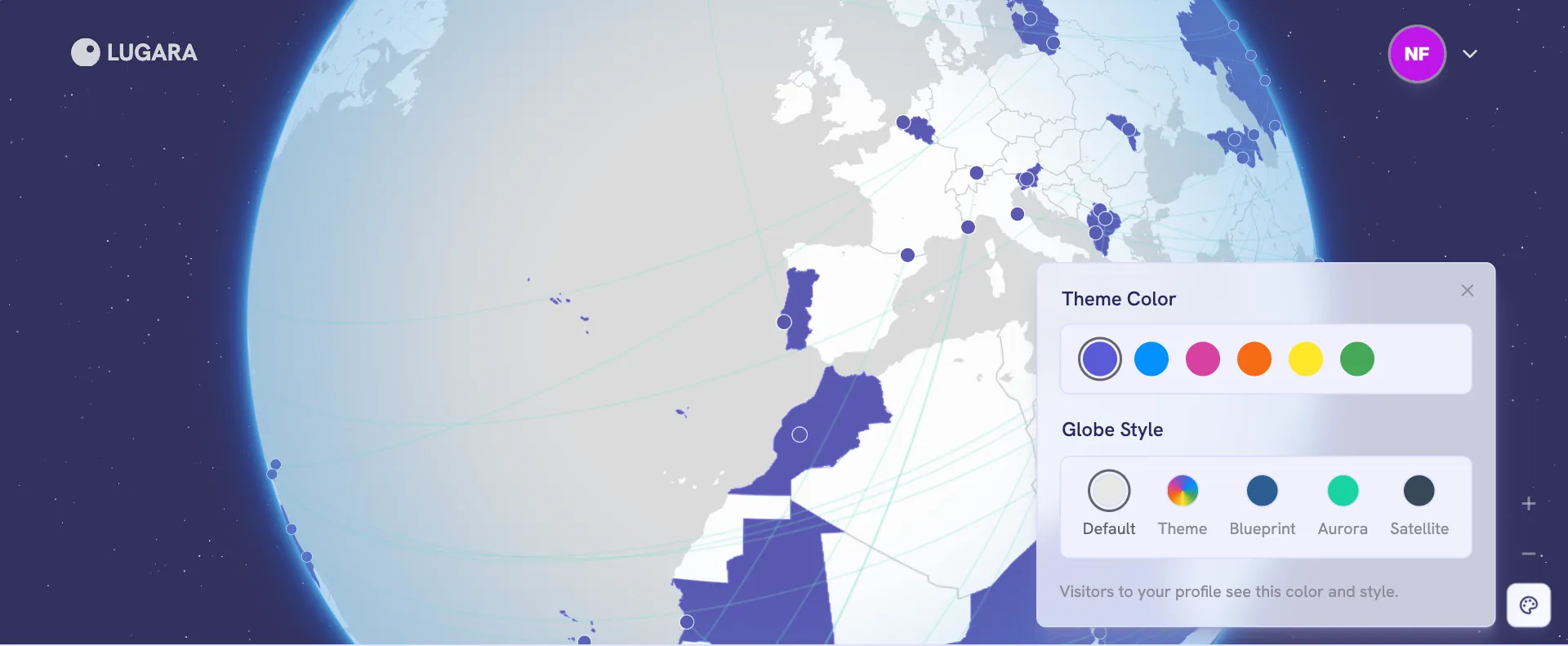
On your profile, the new palette button below the zoom buttons opens a new picker that holds your theme color and your globe style. Alternatively, both options are also available in your account settings.
If your profile is public, visitors will see the color and style you choose.
Theme tints the whole globe in your chosen theme color, so it matches the rest of your profile.
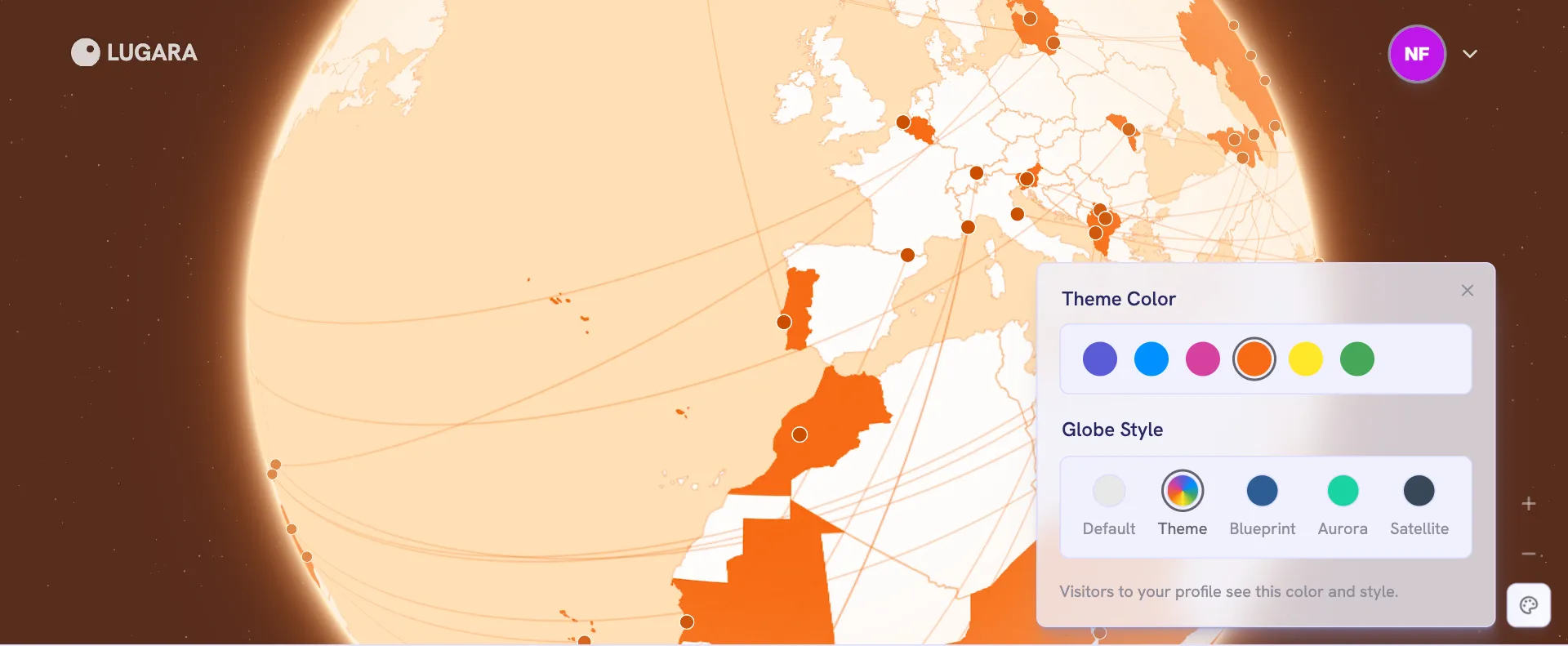
Like Default, it follows light and dark mode.
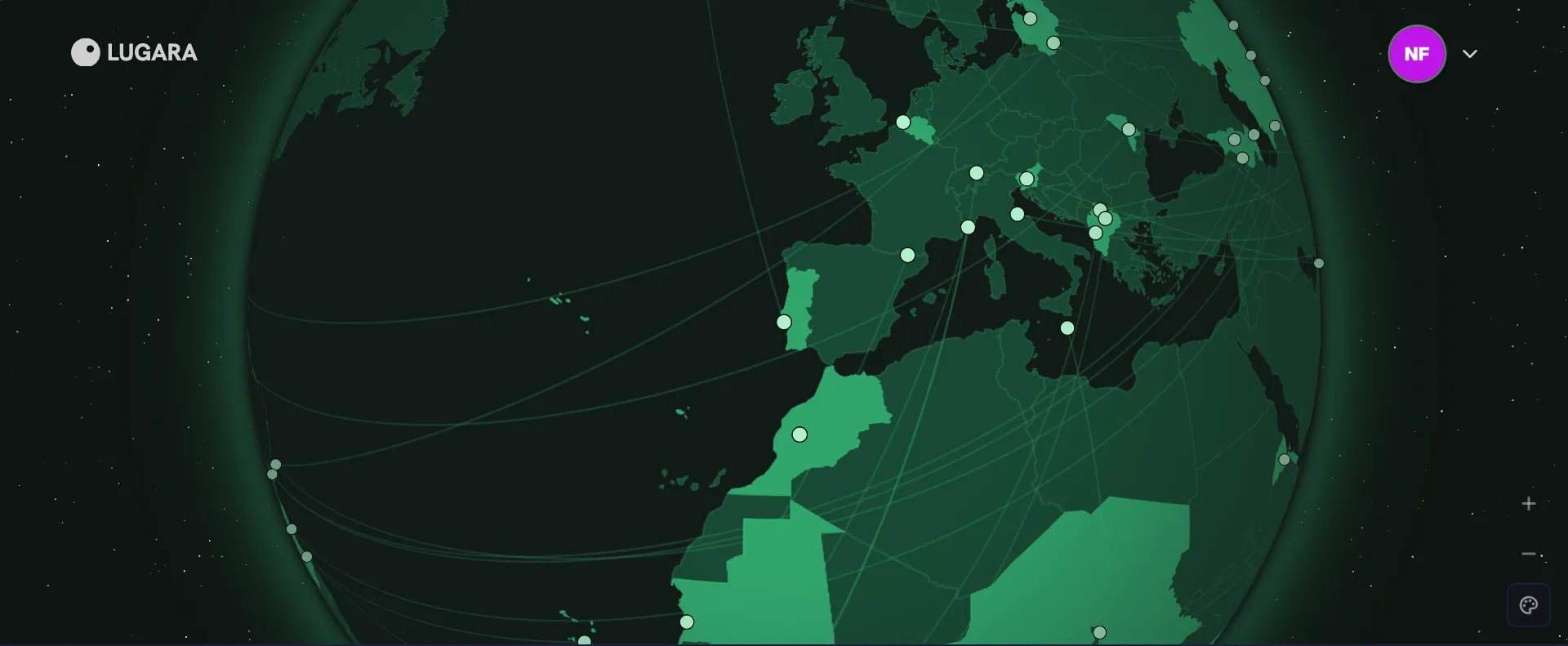
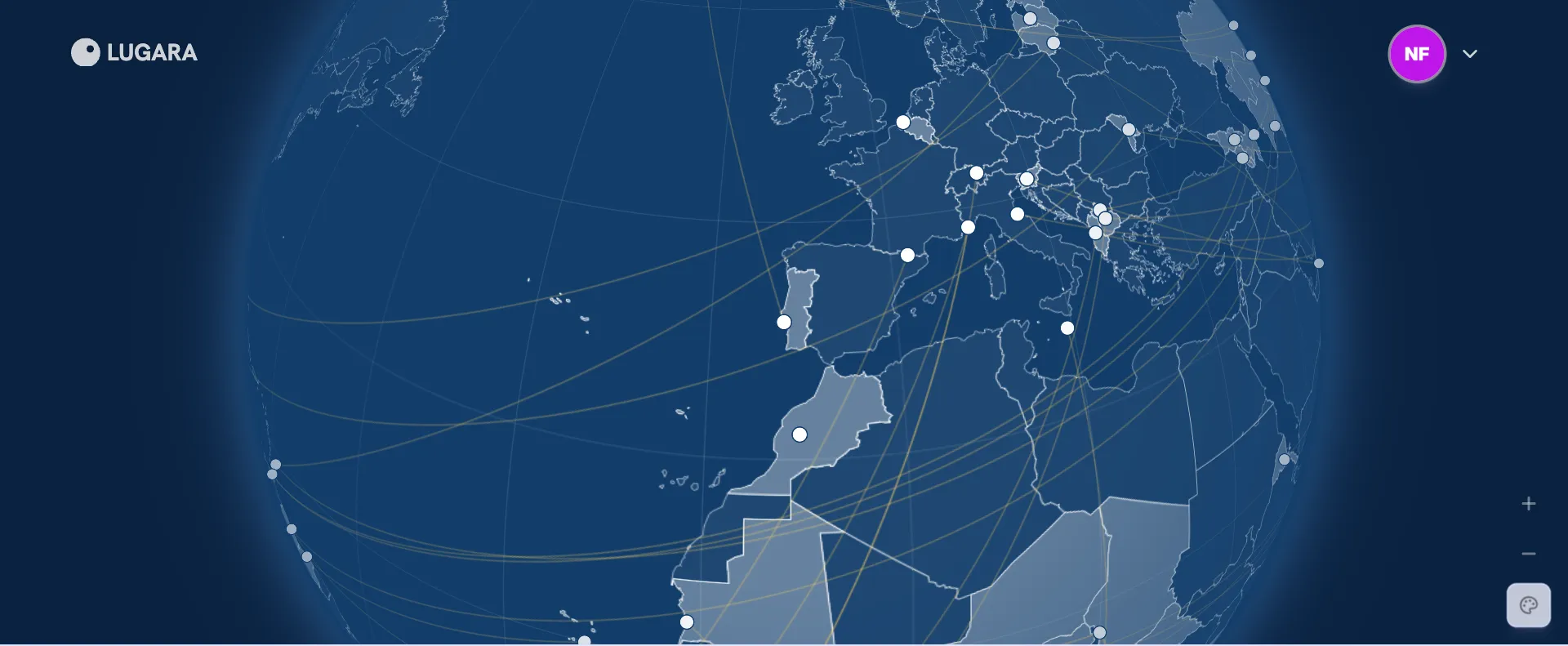
The other three have a look of their own, the same in light and dark mode. Blueprint draws your travels like a technical drawing.
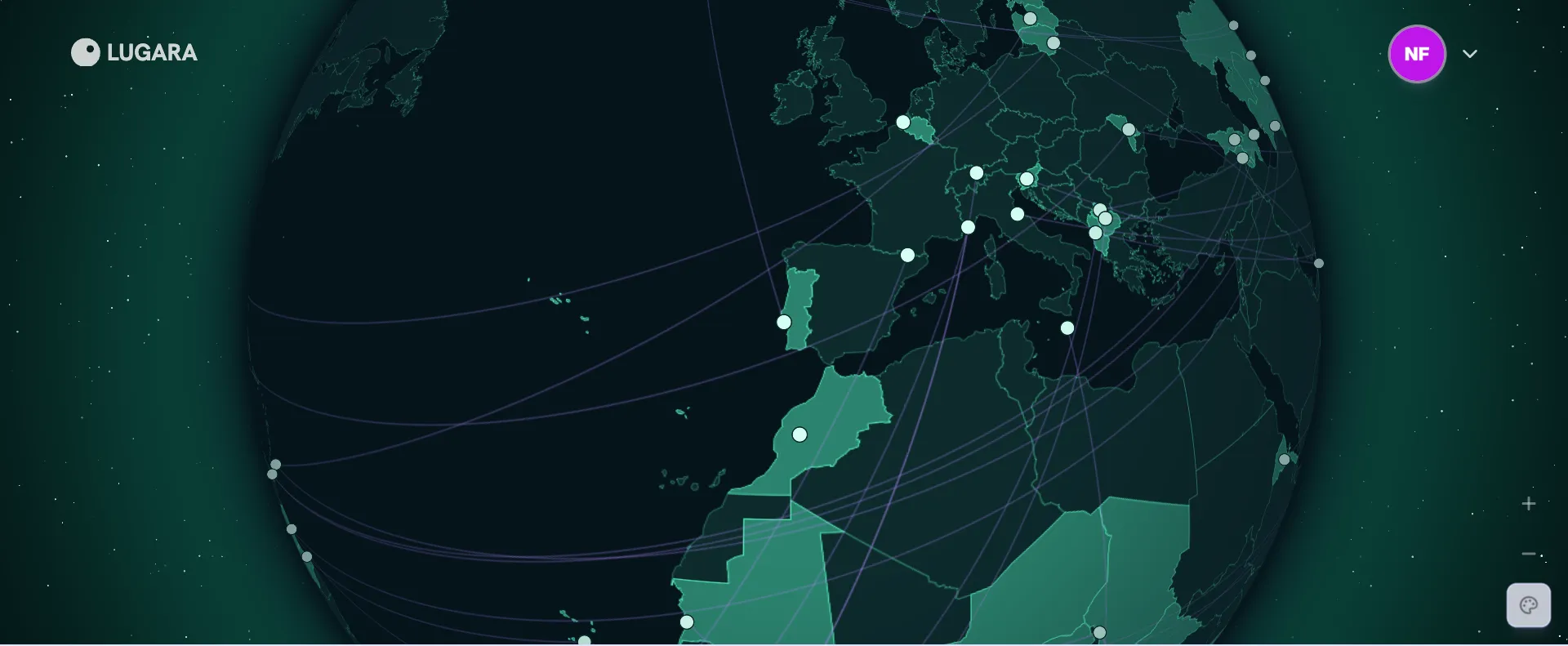
Aurora puts them under a night sky with the glow of the northern lights.
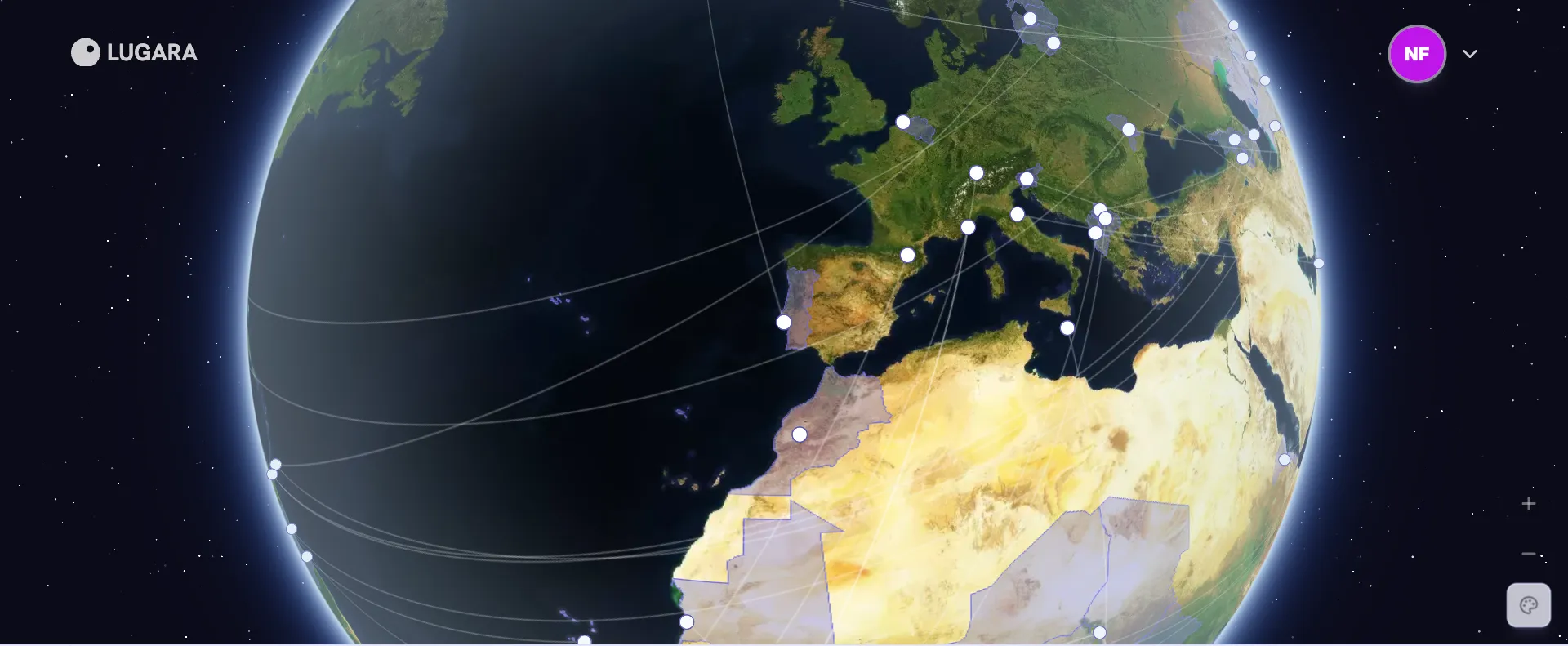
Satellite shows them on the real Earth, as seen from orbit.
With Pro, you have ten globes to choose from, since Theme comes in each of the six theme colors. Counting light and dark mode, that’s a total of 17 different style combinations.
Anyone can try the styles on their own map, but keeping one on your profile takes Lugara Pro. Theme color options will stay free for everyone.
Open your profile and give your globe a style. If one looks off on your map, tell us via email or on X.
Create your private profile and get your travel insights.