Ready to Trip?
Create your private profile and get your travel insights.
Create Your Profile Privacy-first. Fast sign-up.
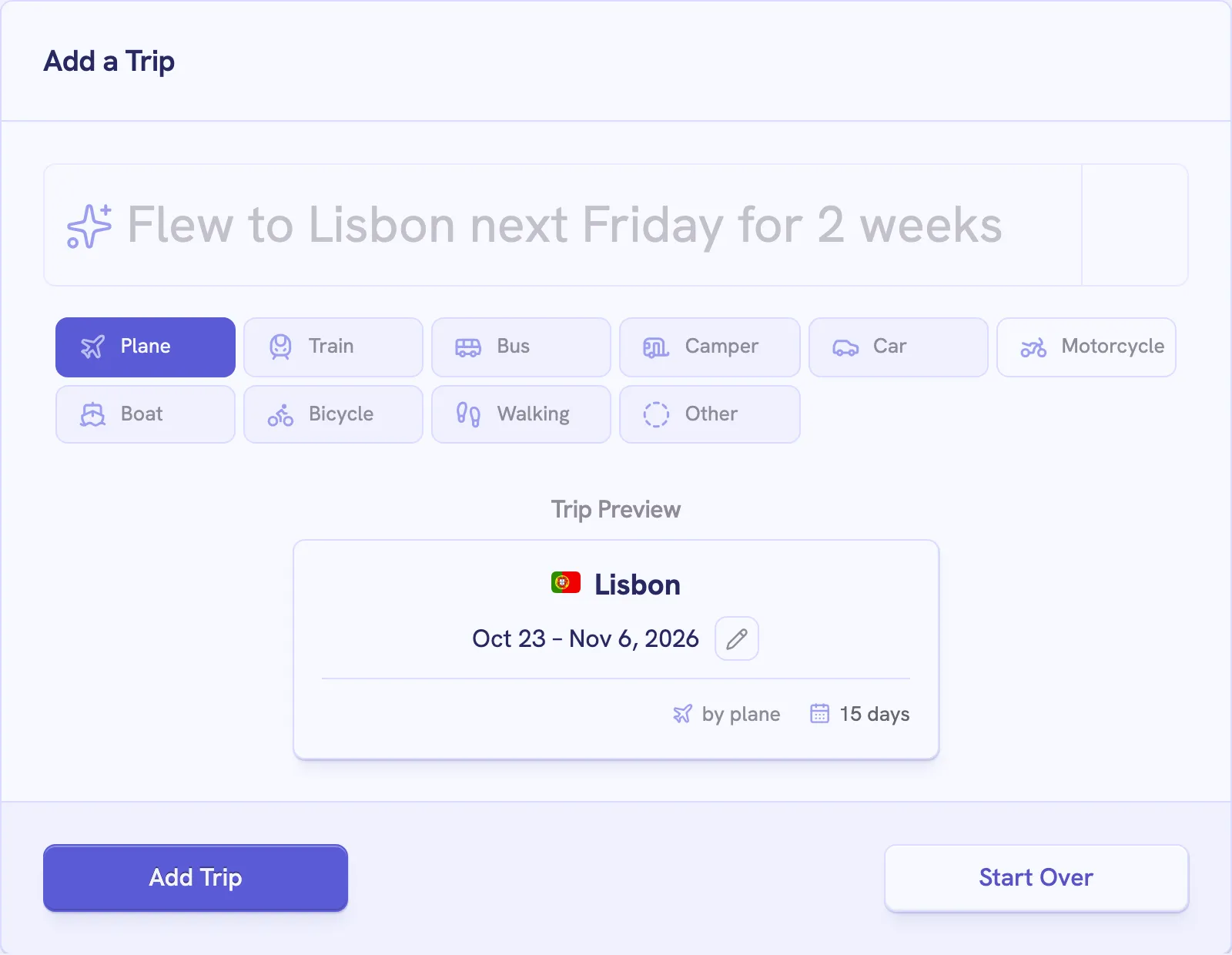
Describe a trip the way you'd tell a friend, and check what Lugara read before you save it.
Open Add Trip from your account menu, or the plus button next to your trip count on your profile.
| You write | Lugara reads |
|---|---|
| Flew to Lisbon next Friday for 2 weeks | Lisbon, Portugal, from next Friday for 14 days, by plane |
| Took the train to Berlin from May 10 to May 20, 2024 | Berlin, Germany, May 10 to 20, 2024, by train |
| Porto from December 3rd | Porto, Portugal, from December 3, with no end date or transport |
| Edinburgh | Edinburgh, United Kingdom, from today, with no end date or transport |
Lugara picks the best-known city with the name, so add the country for another one, such as “Paris, Texas”. It saves the English name, so “München” becomes Munich. OpenAI reads your sentence and Mapbox finds the city, as the privacy policy describes.
Add Trip stays unavailable until the trip has both dates and a transport mode. Choose Other when no mode fits.
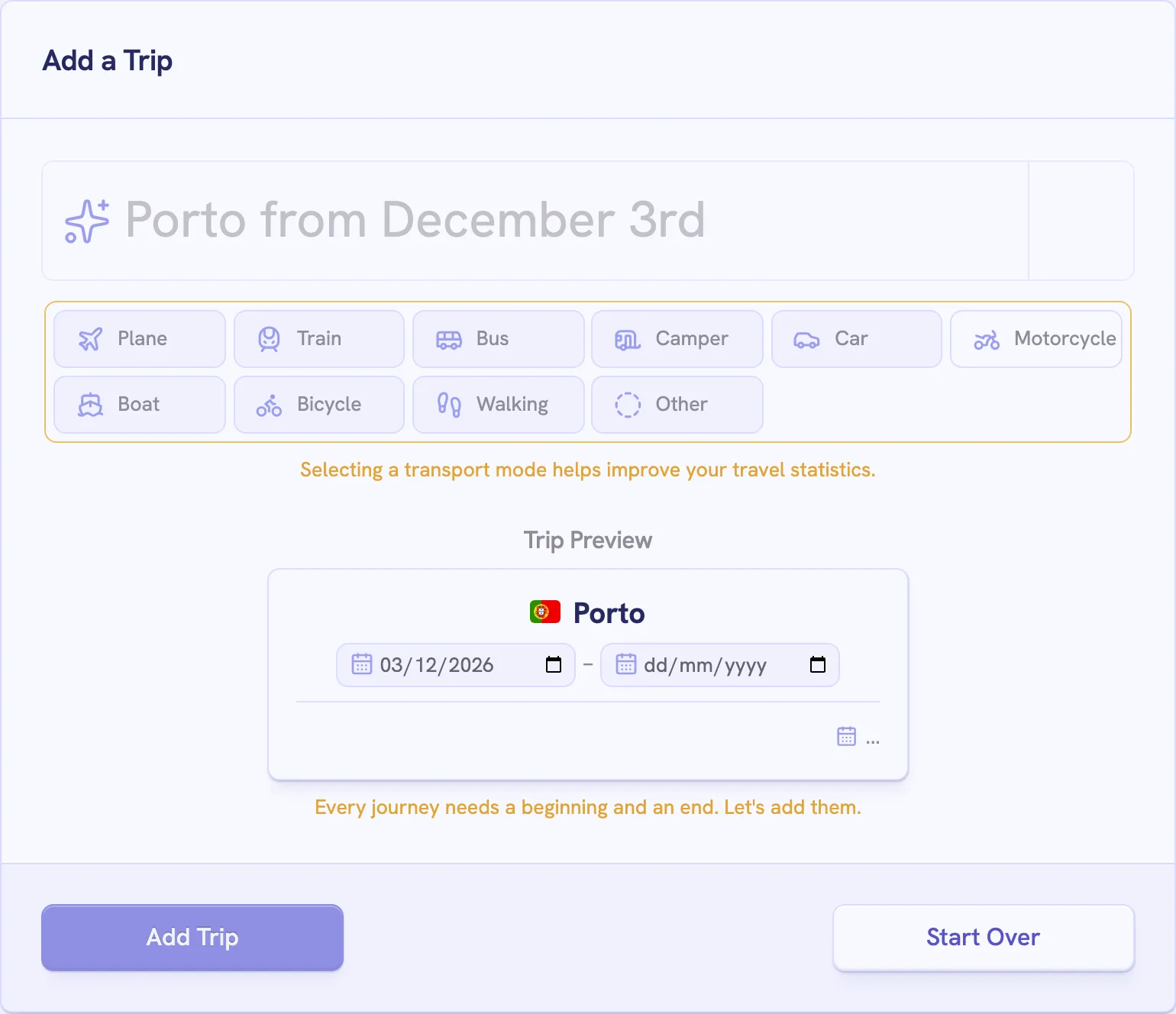
If Lugara picked the wrong city, select Start Over and add the country.
Before you type, the form’s corner offers your city, and either button starts the trip today:
Create your private profile and get your travel insights.