


Ready to Trip?
Create your private profile and get your travel insights.
Create Your Profile Privacy-first. Fast sign-up.
Turn your travel journey into meaningful insights on a beautiful profile you share on your own terms. Built for travelers, nomads, and explorers alike.
From weekend getaways to year-long adventures. Add your trips and we automatically generate locations, statistics, and update your social profiles.
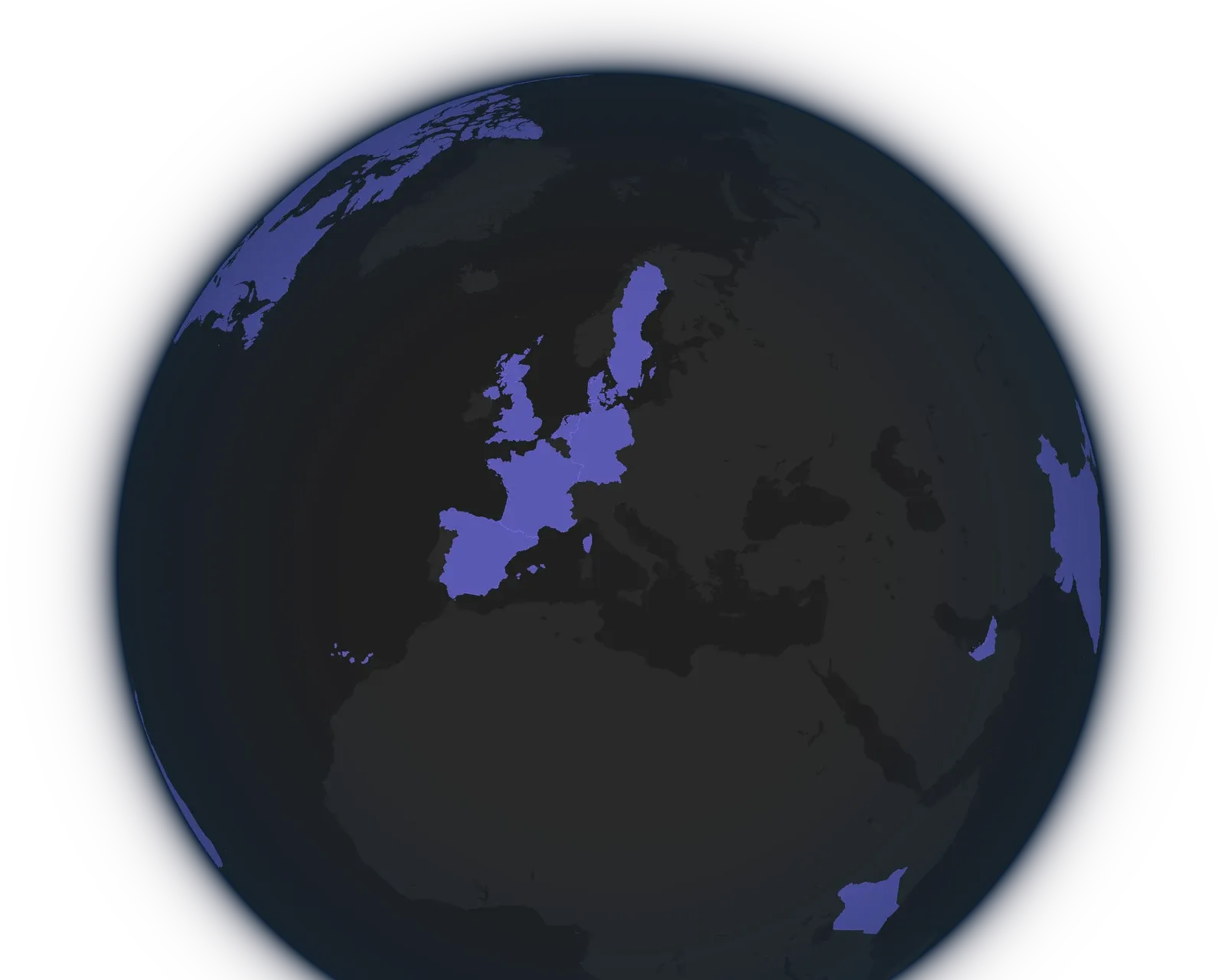
Every trip you add lands on a beautiful and interactive globe. You'll see at a glance the countries you've been to, the cities you visited, and the routes between your stops.
Learn more about Delightful travel mapWrite where you went, when, and how you got there in one sentence. You get the trip with its city, dates, and transport worked out, whether it lies behind you or ahead.
Learn more about Blazing fast trip entrySee how many days you've spent away, how far you've traveled, and which places you keep going back to. Your Exploration Score sums up how you travel and gives you a traveler type.
Learn more about Travel statistics and insightsEvery new country adds its flag to your pin collection, and every continent gets a card that fills up as you go. One look shows how much of the world you've covered.
Learn more about Collect countries and continentsPick a username and your map and statistics get their own address. Your profile stays private until you make it public.
Learn more about Selective public profileSee where you spent the most days each year, and which countries reached 180 days. Only you can see these numbers, even when your profile is public.
Learn more about Tax Residency for NomadsTurn on GitHub sync and the location on your GitHub profile follows your trips. Every few hours, it changes to the city of the trip you're on.
Learn more about Sync with your social profilesYour trips live on servers in the European Union, under the GDPR. Nobody buys your data, and you can export every trip whenever you like.
Learn more about Data stored in the European UnionYears of trips become a map full of places, travel statistics, and a wall of country flags. Open a profile and have a look around.
 Nico Ferreyra @nicoroams


 +69
+72
+69
+72  Hana Dvorak @hanaframes


 +21
+24
+21
+24  Meret Zaugg @meretzaugg


 +19
+22
+19
+22  Vasco da Gama @vascodagama


 +1
+4
+1
+4  Fernão de Magalhães @magellan

 +1
+4
+1
+4  Pedro Álvares Cabral @cabral
  +1
+4
+1
+4 Because every great journey comes with a few questions.
You record trips, each a city with a start and end date. From them you get a map of the places you've been, a travel timeline, and statistics such as your countries, your distance traveled, and your time in each country. How Lugara Works shows everything your profile holds.
Check out @meretzaugg or @hanaframes to see how this looks with sample trip histories.
No. You add every trip yourself: as a sentence like "Mexico City from June 3 to 17", with the classic form, or by importing them. Nothing runs in the background to follow where you go.
When you add a trip, Lugara can fill in the city you're in, from your IP address without storing it, or from your device's location once you allow it. Add a Trip in One Sentence explains both.
No. You use Lugara in the browser on mobile and desktop. To open it like an app, add it to your home screen, as Install Lugara on Your Phone shows for iPhone, iPad, and Android.
Only you, until you make it public. A public profile is open to anyone with its address. Make Your Profile Public shows what visitors see.
We're working on a way to share it with only the people you choose. If you'd like to use it, get in touch via email or on X!
Yes. Add past trips by hand, import a NomadList export or a Lugara backup, or keep syncing new trips from NomadList. Import Your Travel History and Sync with NomadList show how.
We're working on importing your Google Timeline. If you'd like to help test it, or would like another import source, let us know via email or on X!
Yes. A section at the end of your profile counts your days in each country for every calendar year and marks the countries where you reached 180 days or more. Only you see it, even on a public profile, and it appears once your trips come close to that mark.
Tax Residency Days explains how the days count. These numbers aren't tax advice, so always check your situation with a tax professional.
Partially. All core features are free, and free accounts hold up to 10 trips.
Upgrade to Lugara Pro within the app, monthly, yearly, or for a lifetime, for unlimited trips, to support ongoing development, and for general good karma. How Lugara Works lists what else Pro adds.
They all stay. Pro keeps working until the end of the period you paid for, and after that you keep:
These stop until you resubscribe:
Your sync settings and globe style stay too, so both come back when you resubscribe.
We store only what your account and trips need, securely in the European Union under the GDPR. We don't use third-party trackers, advertising cookies, or behavioral analytics, and we never sell your data.
Your trips are private by default. If you stop using Lugara, they stay stored and private, so you can come back anytime without losing anything. You can export your data or delete your account with all its data at any time. Export Your Trips covers the exports, and our easily-digestible privacy policy has the details.
Yes. A JSON backup holds your trips and profile details and restores them into Lugara. With Lugara Pro, you can also export CSV and Excel for spreadsheets, and GeoJSON and KML for mapping apps such as Google Earth.
Your trips are also available as JSON at your profile's address with .json added, for your own tools, dashboards, or backups. While your profile is private, that address needs your personal API key. Export Your Trips describes each format and shows where to find the address.
Create your private profile and get your travel insights.