Ready to Trip?
Create your private profile and get your travel insights.
Create Your Profile Privacy-first. Fast sign-up.
The classic form gives each part of a trip its own field, so you pick the city from a list.
Open Add Trip, then select Switch to Classic Input below the form.
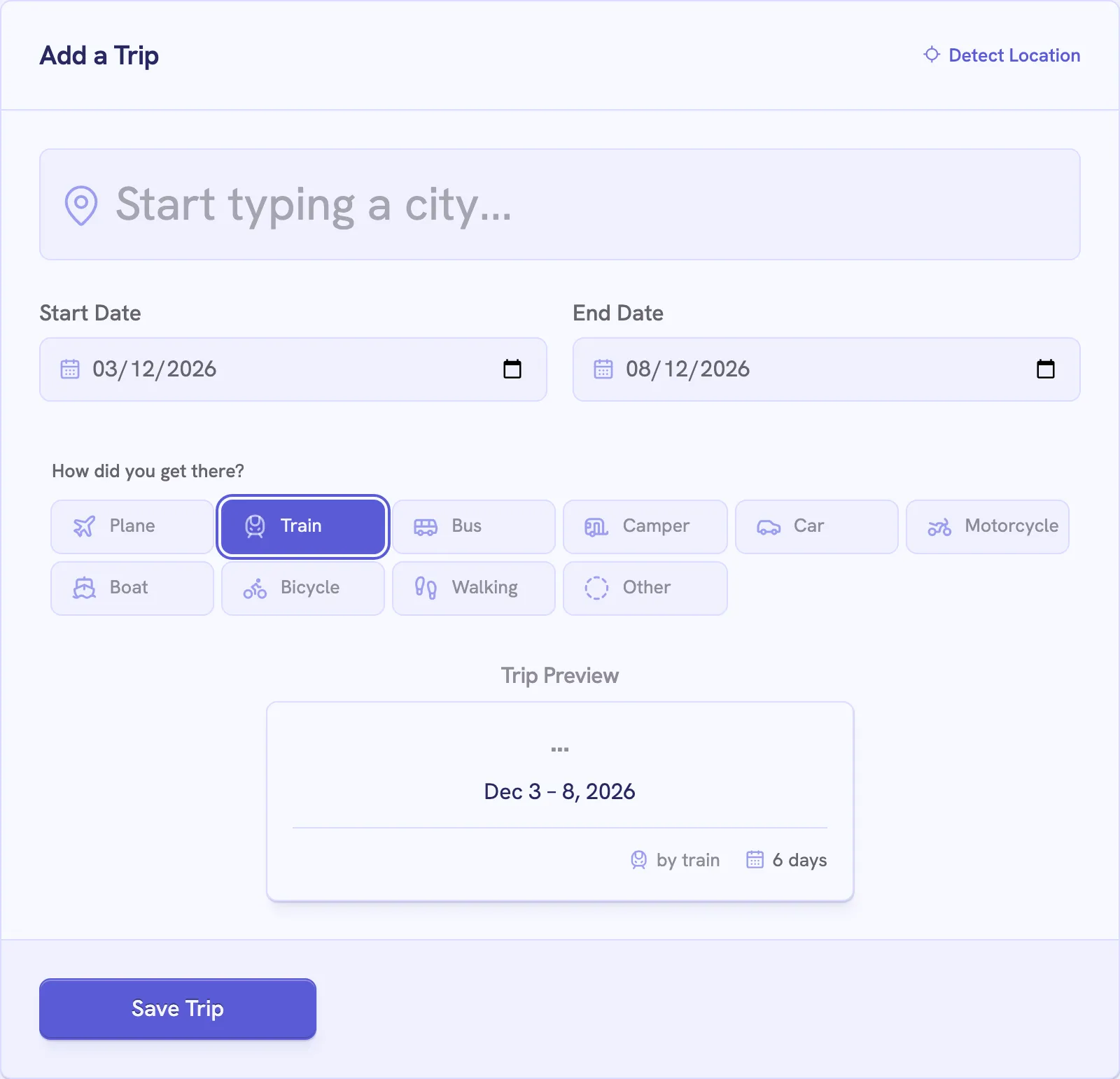
The suggestions show each city’s region and country, so you can tell cities with the same name apart. Text you typed without picking a suggestion doesn’t save, and the form says “Please select a location from the suggestions.”
The buttons in the form’s corner fill in the city you’re in.
Create your private profile and get your travel insights.