Delightful Travel Map
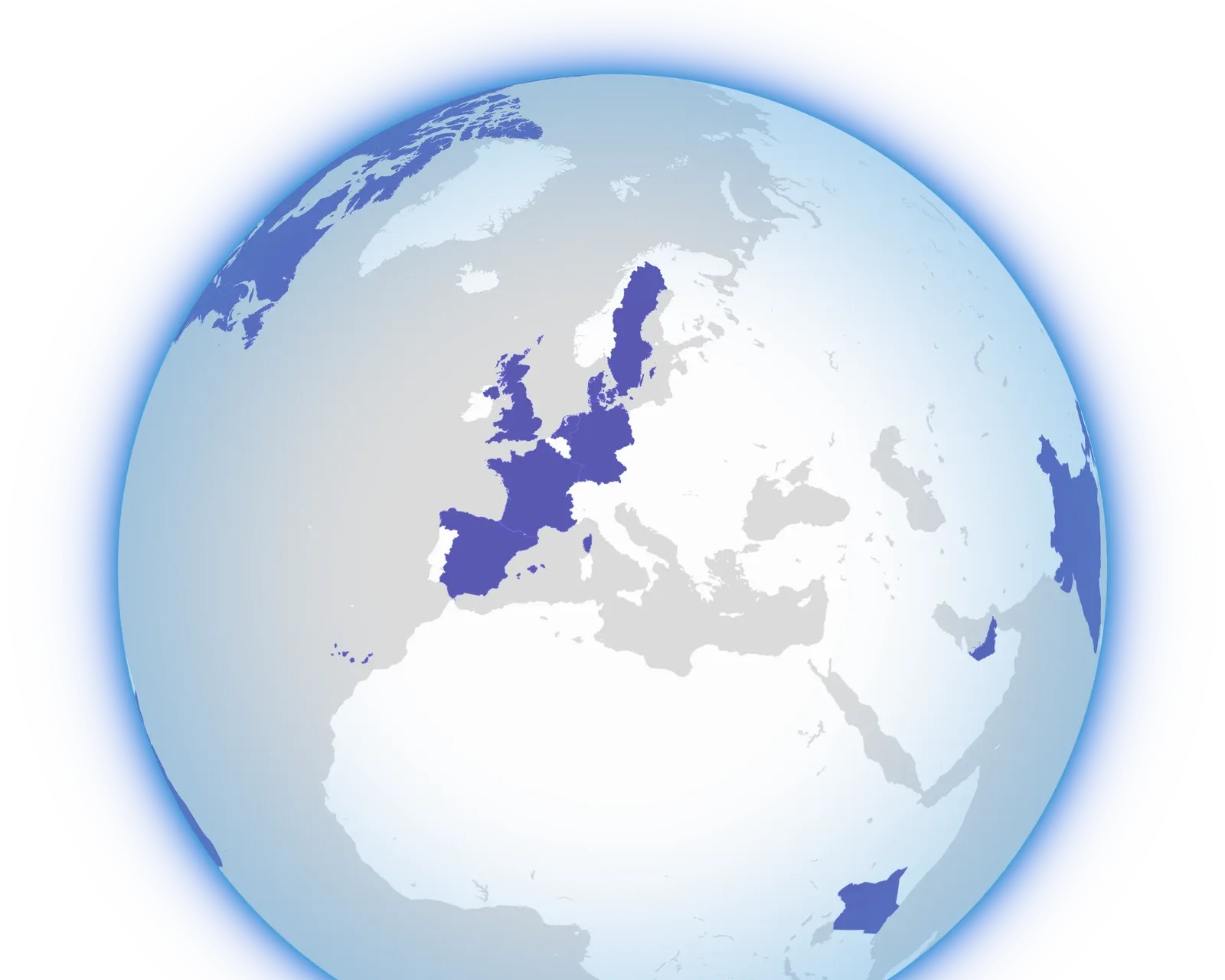
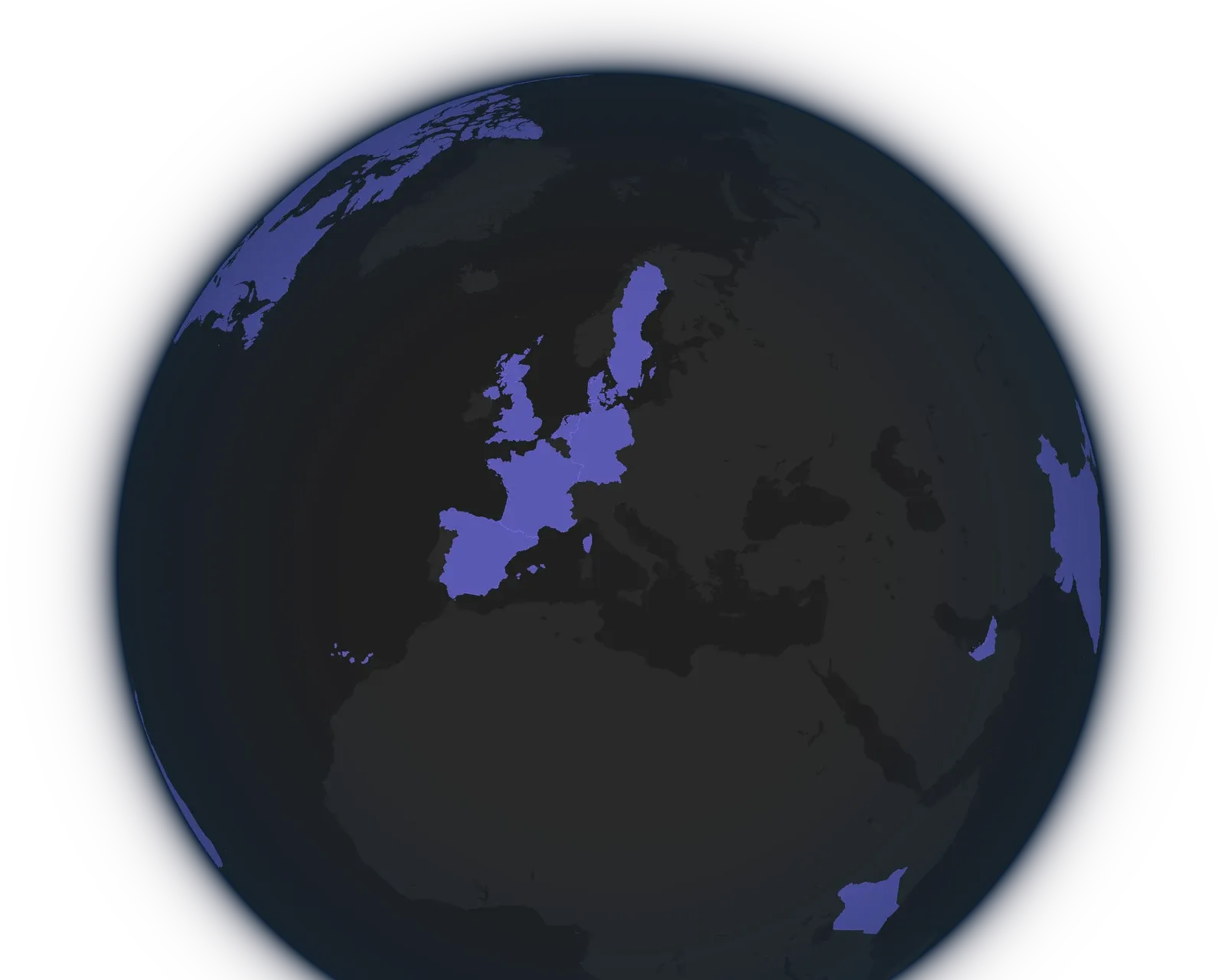


- The countries you've visited filled in, with a marker on every city
- Lines between trips that follow each other, thicker for the routes you repeat
- Five globe styles to choose from
Your profile opens on a globe of your travels. It turns to the trip you're on, or to the last place you went, and you can drag it around and zoom in from there. A trip you plan shows up on the globe as soon as you add it.
See How Your Trips Connect
When a trip starts within two days of the previous one ending, a line joins the two cities. A route you take again gets a thicker, stronger line, so the routes you travel often stand out from the journeys you made once. Hover over a line to see the two cities and how many trips took that route.
Visualizing Your Journey with Map Connections explains how the lines come about.
Give Your Globe a Style
The palette button below the zoom buttons opens the appearance picker, where you choose a theme color and a globe style. Default and Theme follow light and dark mode, and Theme tints the globe in your theme color. Blueprint draws your travels like a technical drawing, Aurora puts them under a night sky, and Satellite shows them on the real Earth.
Anyone can try every style on their own map. Keeping one on your profile takes Lugara Pro, and the theme color stays free. Pick a Style for Your Globe shows each style.
Private Until You Share Your Profile
Only you see your map until you make your profile public. Then visitors see it with the style and color you picked. See the map with a real travel history on @hanaframes, or start your own map.