Ready to Trip?
Create your private profile and get your travel insights.
Create Your Profile Privacy-first. Fast sign-up.
Transport modes for trips, more control over your profile, and new ways to share and export.
 Lisa Monteiro ·
This is your monthly overview of what shipped in the last weeks, focused on richer trip details, more expressive profiles, and better ways to share and reuse your data.
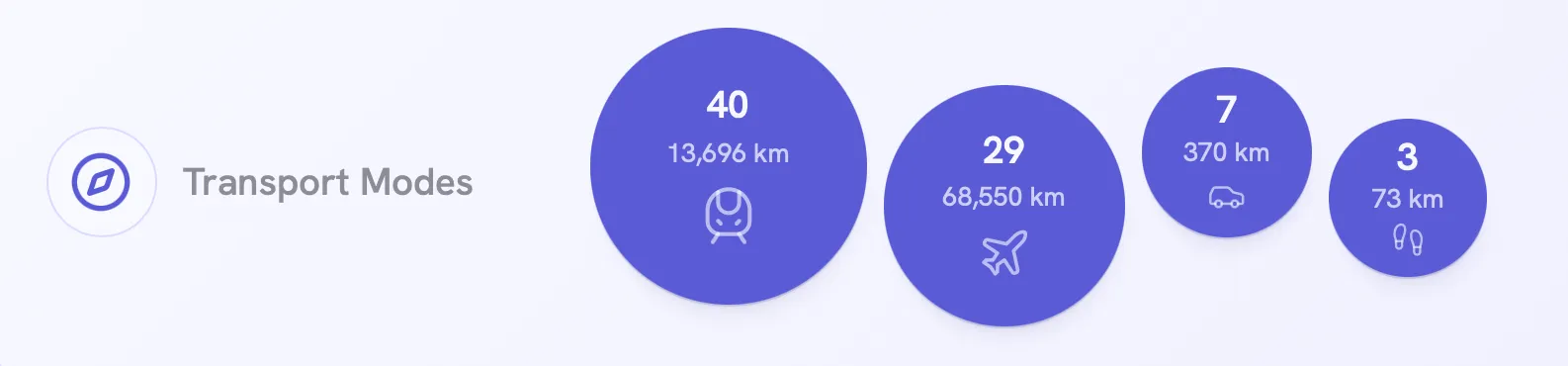
Transport modes for your trips: You can now specify how you traveled for each trip. We detect the transport mode when you add trips using natural language, and you can always add or change it manually. Transport modes also power a new profile stats card showing how you move and how far you travel by mode.
You can get the full picture in the release post or by adding a new trip to see how this works. On your profile page, you can edit existing trips and update their transport mode in place.
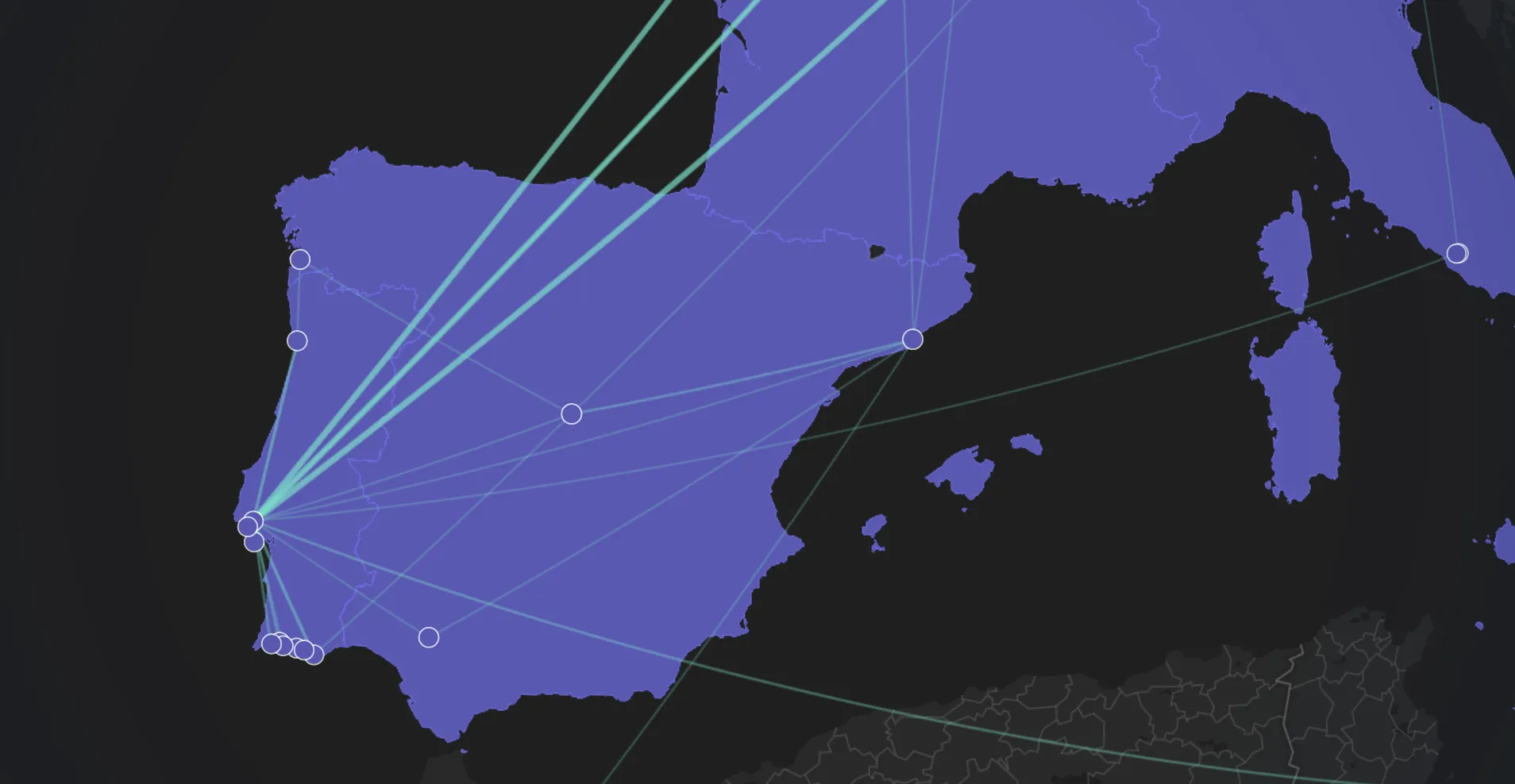
Map connections between trips: Trips on the map are now visually connected when they happen close together in time, making routes and repeated paths easier to see at a glance. Connections highlight frequently traveled routes without cluttering the map.
The release post outlines exactly how this works.
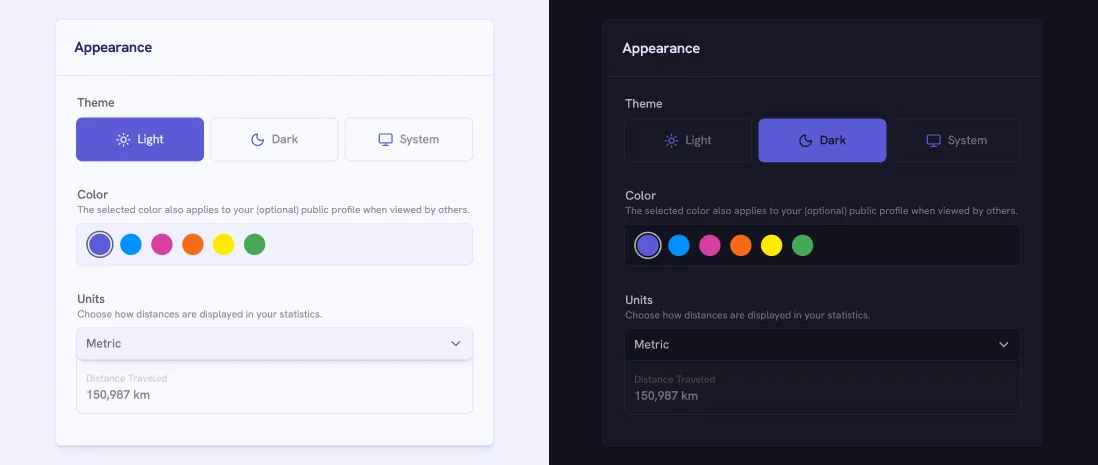
New appearance settings: You now have more control over how your profile looks: Choose your preferred theme, set a custom primary color, and choose your distance unit.
Additionally, you can now replace your default avatar by uploading your own image. Just click/tap on your avatar on your profile page or in your profile settings.
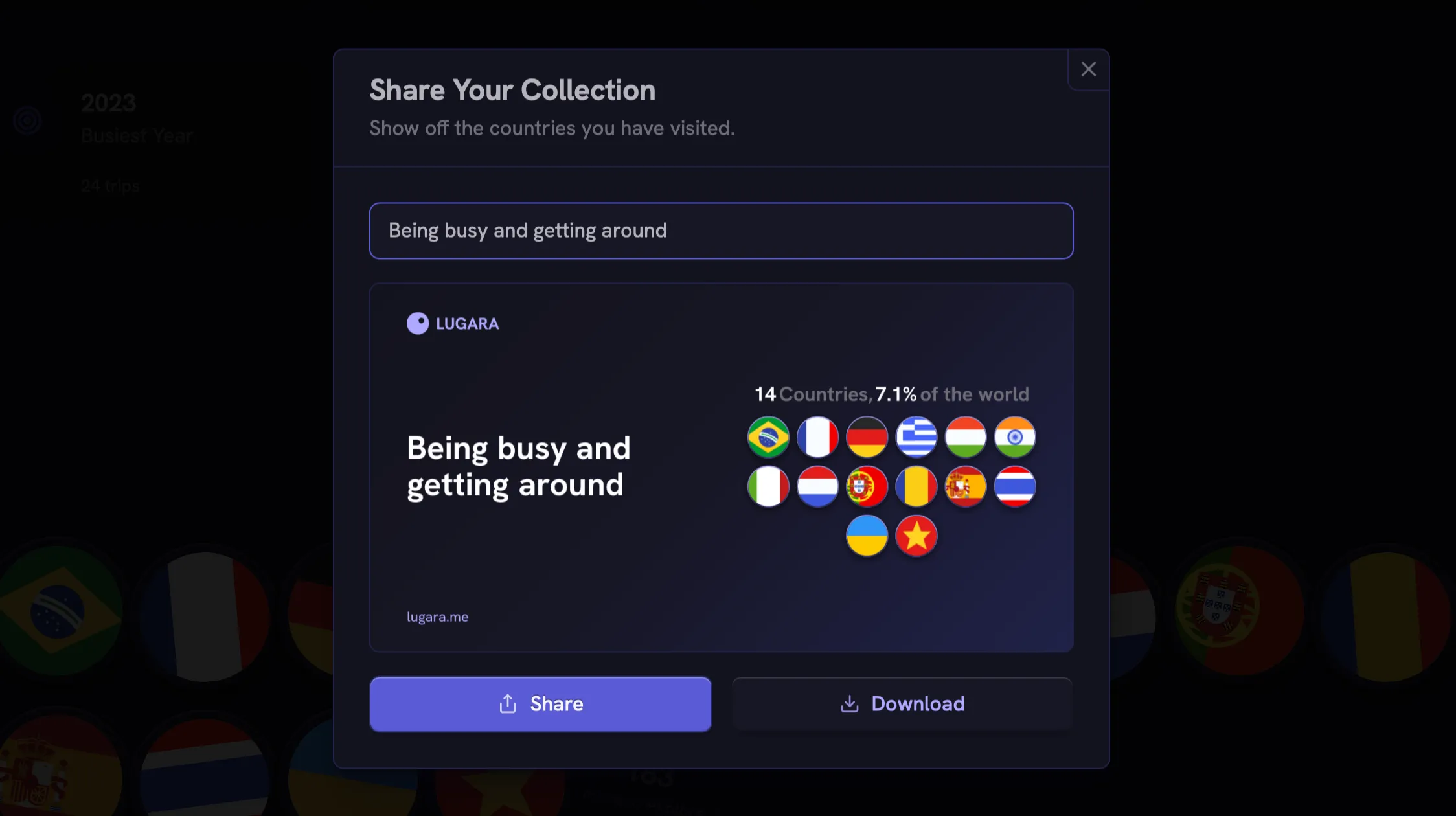
Shareable countries collection: You can now generate a shareable image of your countries collection, including custom text. If your profile is public and you’ve set a username, the image will include your profile URL automatically. You’ll find the action directly on your profile in the collections section.
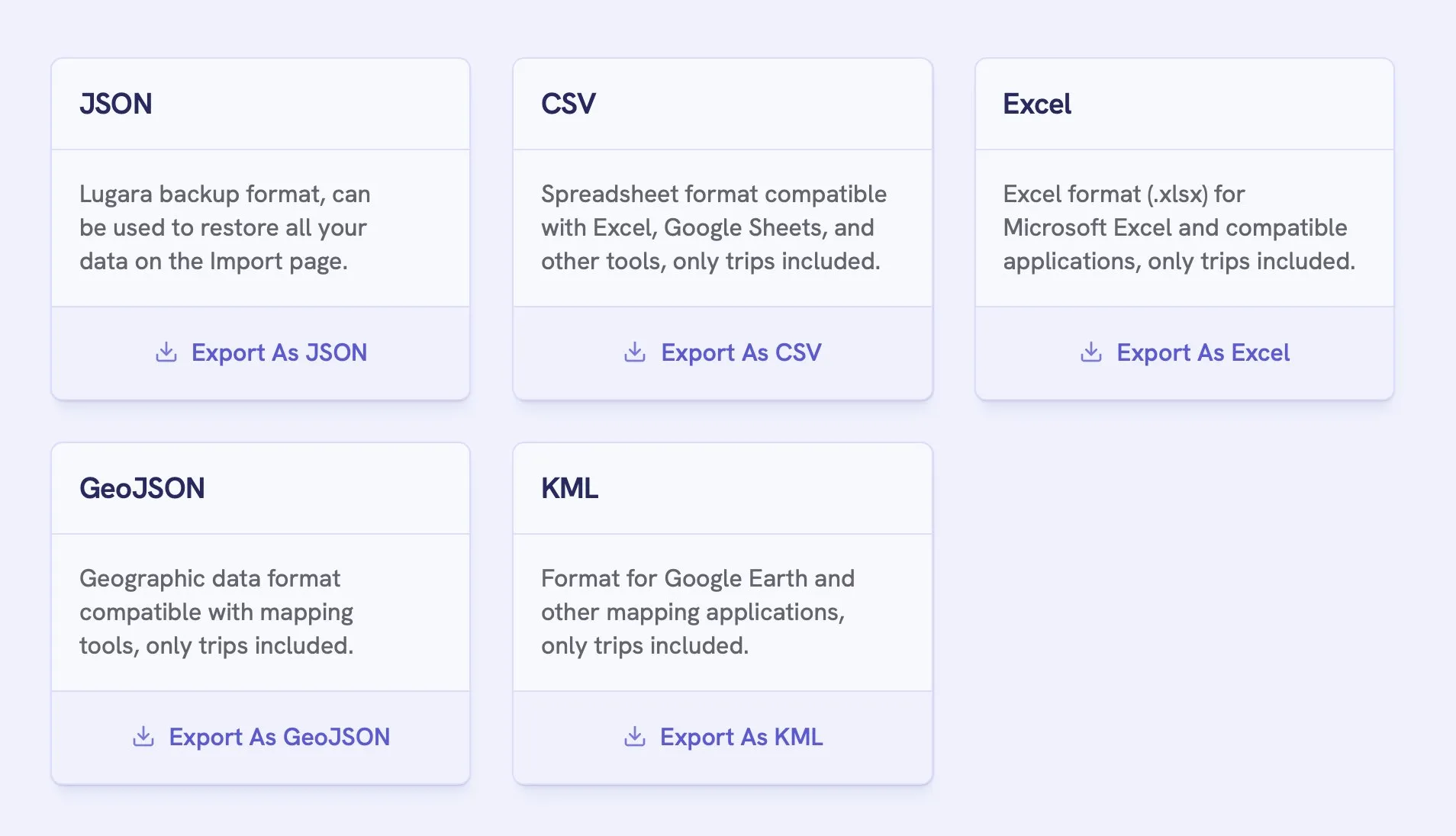
More export options: Trips can now be exported as CSV and Excel, joining the existing JSON, GeoJSON, and KML formats in your export settings. This makes it easier to work with your data in spreadsheets, reports, or external tools. Export Your Trips describes each format.
Profile globe zoom controls: Zoom in and out to explore your travel map in more detail.
Overlapping trip hints: Clear visual indicators when trips overlap in time to keep your data clean.
Smoother trip and profile settings flows: A more streamlined experience when creating trips and adjusting profile settings.
In-page profile navigation: A floating navigation bar for quickly jumping between sections on your profile.
Bug fixes and edge cases: Fixes for distance calculations, international date handling, and globe country highlighting.
Thanks for being part of using Lugara. There’s a lot more coming, and your input genuinely shapes our next steps.
We avoid privacy invasive behavioral tracking in our app and lean on direct feedback because we believe it’s the most valuable input for deciding what we build next.
If you have suggestions, missing features, or anything that felt confusing, just email us, or hit us up on X.
Until next time, keep moving and exploring. 💃
— The Lugara Team
Create your private profile and get your travel insights.